User Guide › Analytics

Topic 3 of 6

Analytics

Analytics is your real-time command center. Every number is measured directly from your app, so you always know what is working, from installs and revenue to your conversion funnel and the best time to send a notification.
  1. 1

    Choose a time window

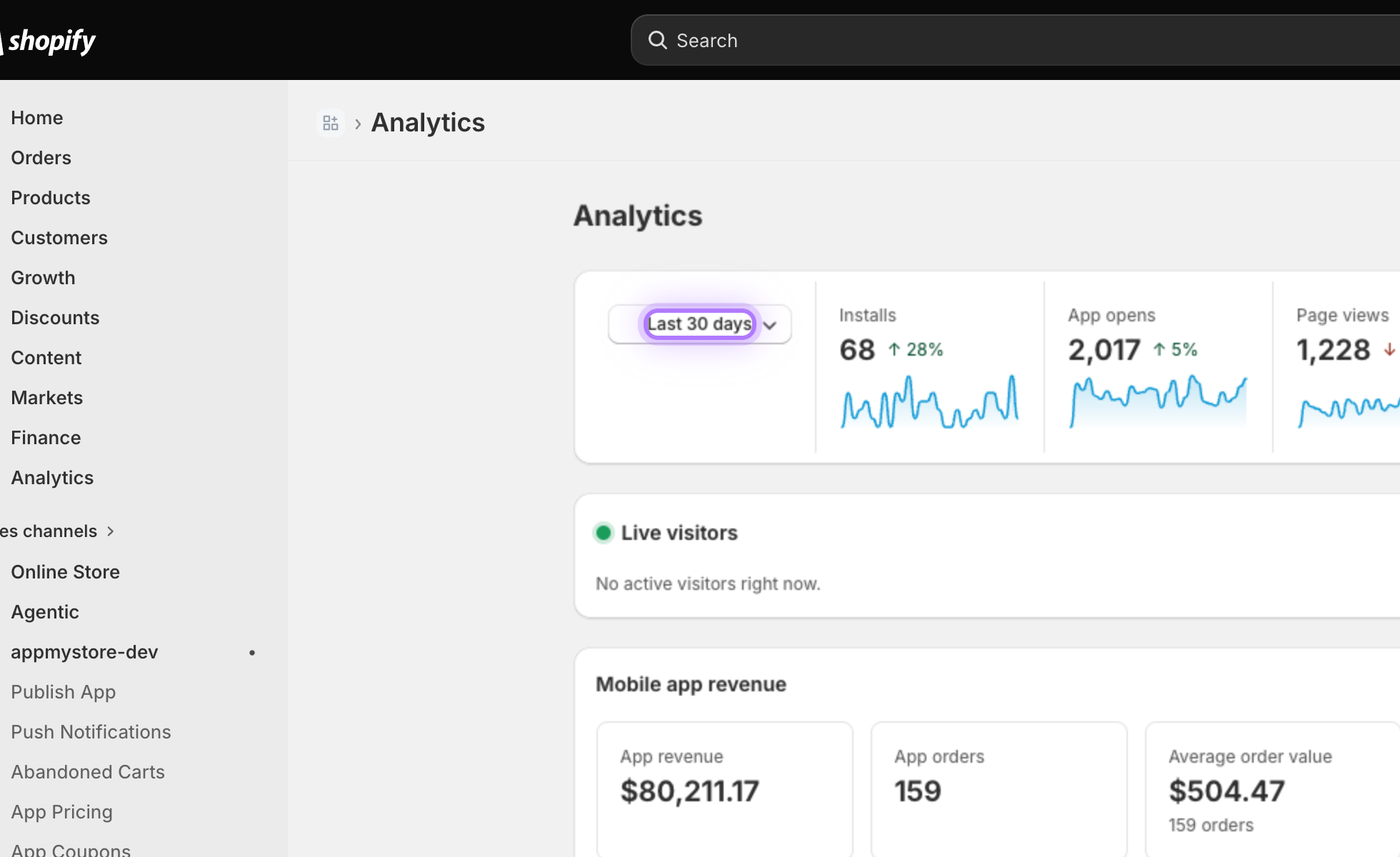
    At the top of the page, pick Today, Last 7 days, Last 30 days, or a custom range. Every number and chart on the page updates to match the period you select.
    Date range selector
  2. 2

    Read the summary cards

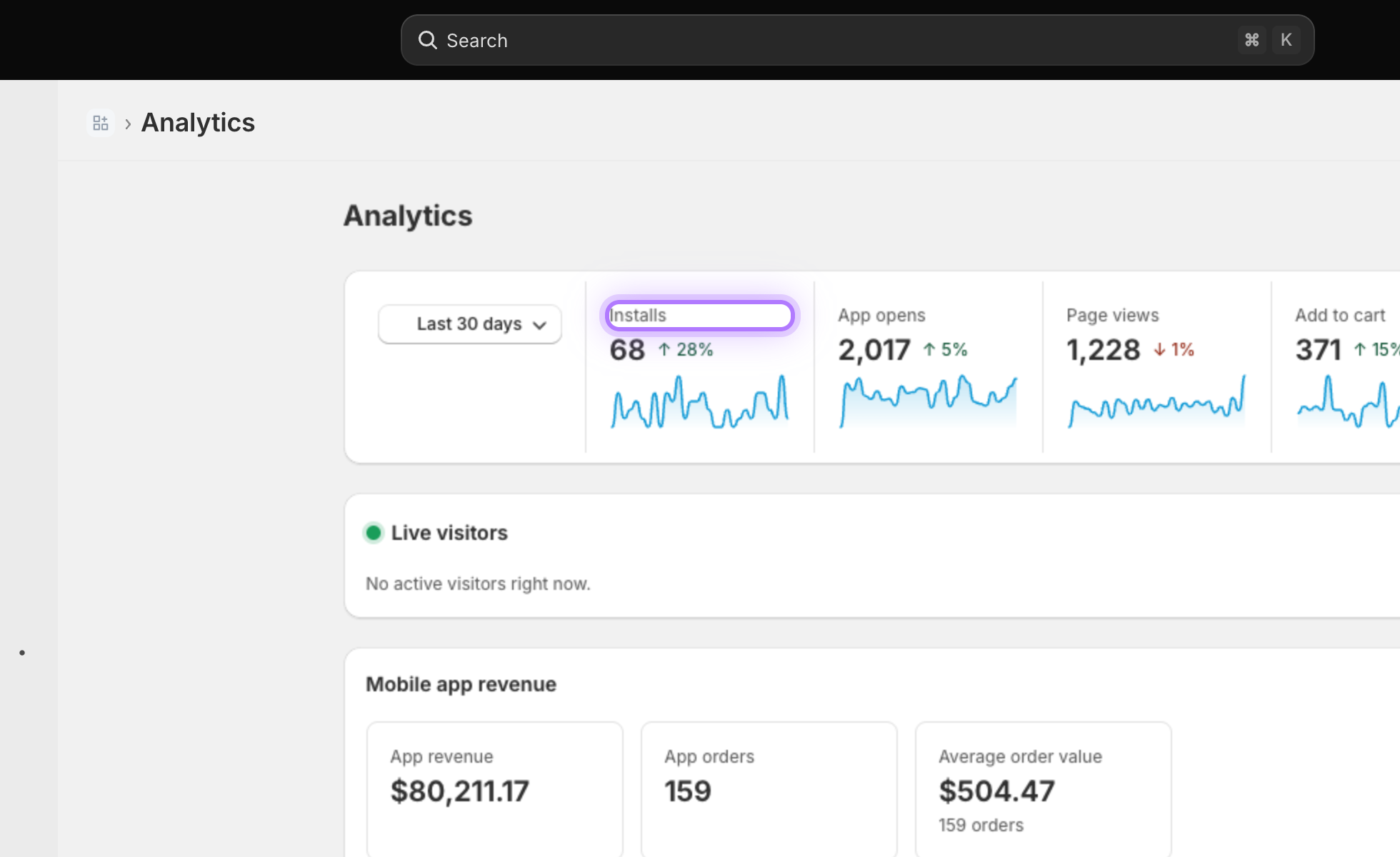
    The headline numbers at a glance: App installs, app opens, page views, and add to carts, each compared to the previous period so you can spot the trend.
    KPI summary cards
  3. 3

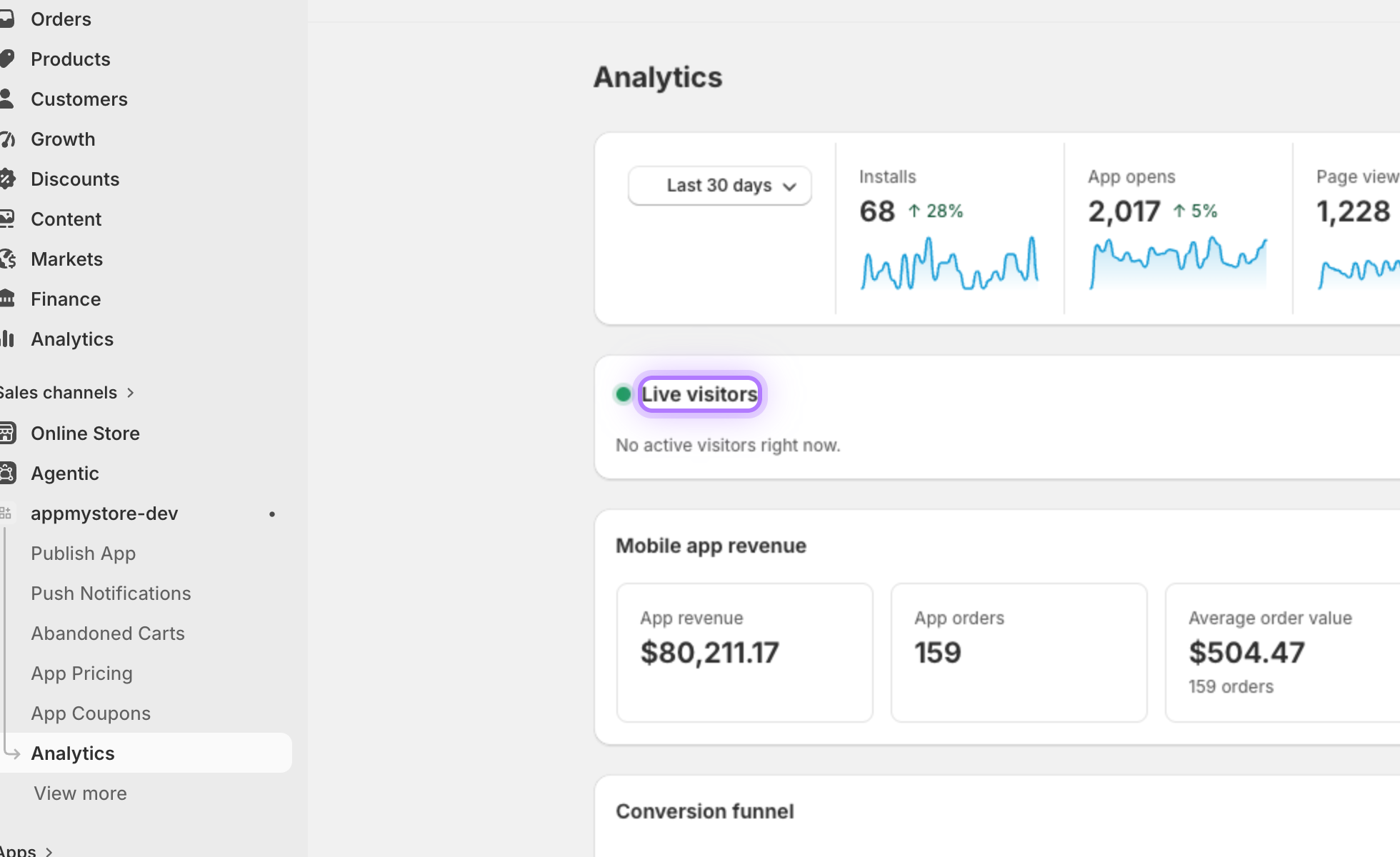
    See who is online now

    Live visitors shows exactly how many customers are inside your app right now, updating in real time.
    Live visitors
  4. 4

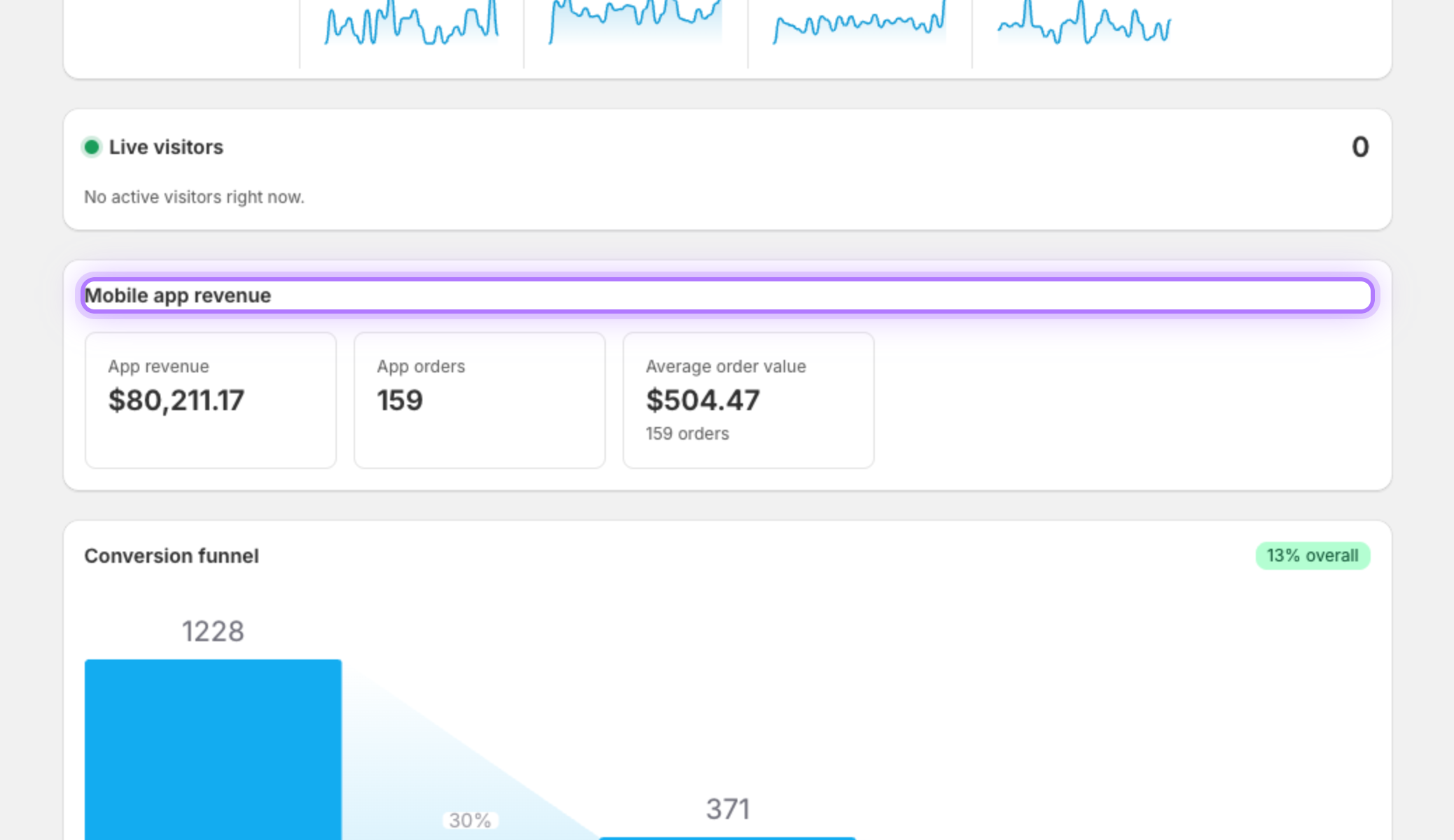
    Track mobile app revenue

    See the money your app generates: total app revenue, the number of orders placed through the app, and your average order value.
    Mobile app revenue
  5. 5

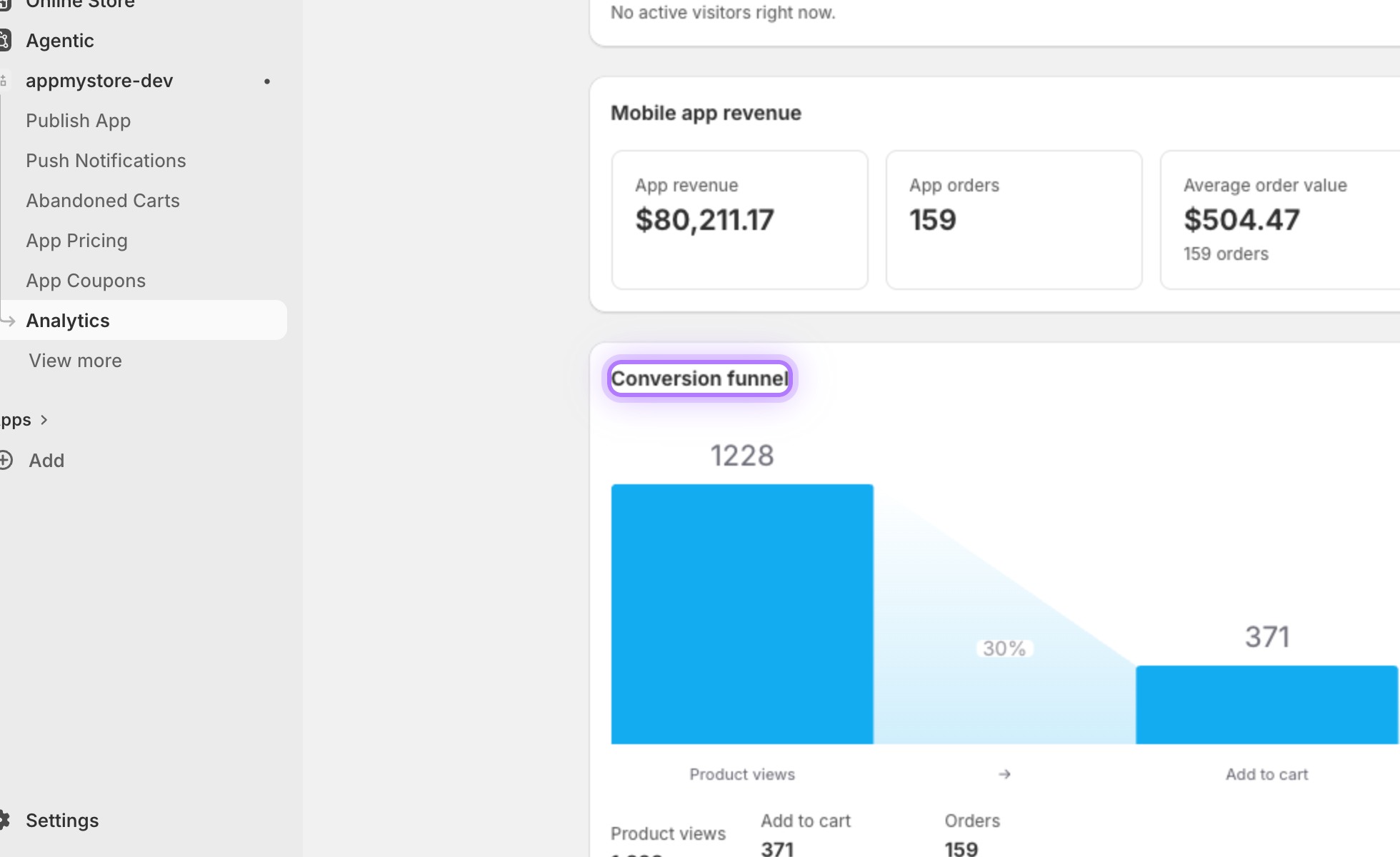
    Follow the conversion funnel

    The funnel shows how shoppers move from product views, to add to cart, to placing an order, making it easy to spot exactly where you lose customers.
    Conversion funnel
  6. 6

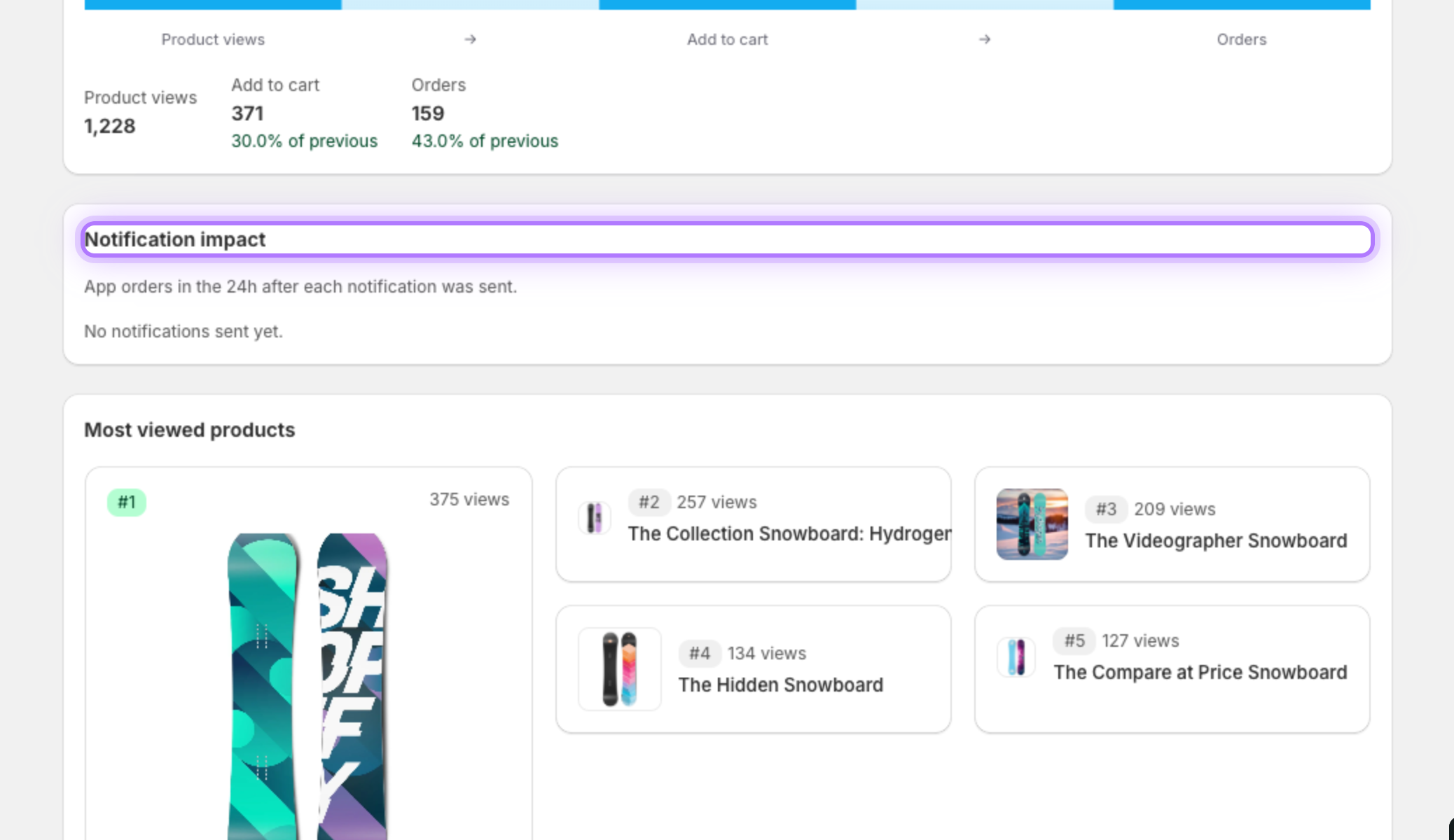
    Measure notification impact

    Notification impact ties each campaign to real results, showing the orders and revenue that came in right after you sent a push.
    Notification impact
  7. 7

    Find your best send time

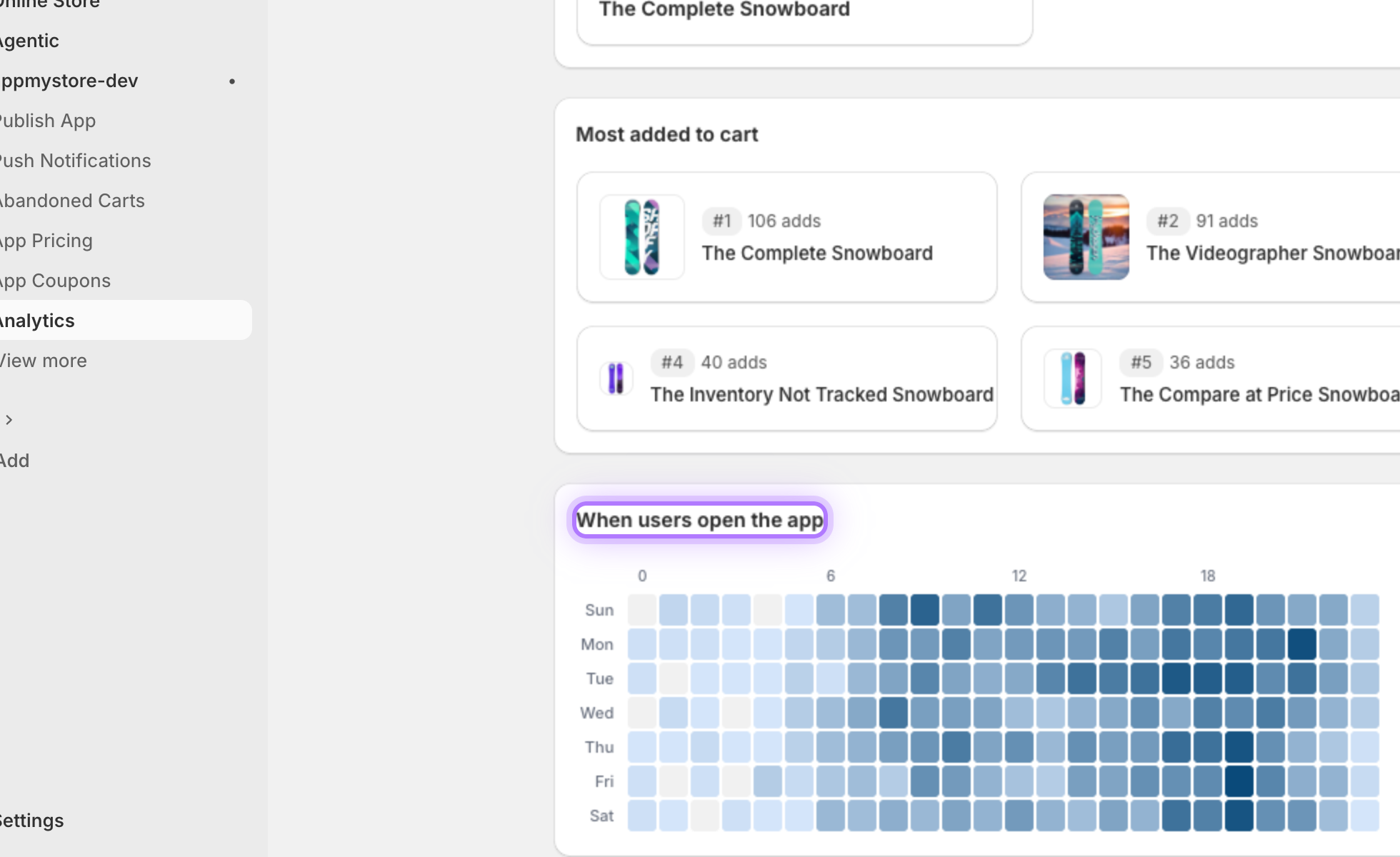
    When users open the app reveals the hours your customers are most active, so you know the best time of day to send a notification.
    Active hours heatmap
  8. 8

    See what is trending

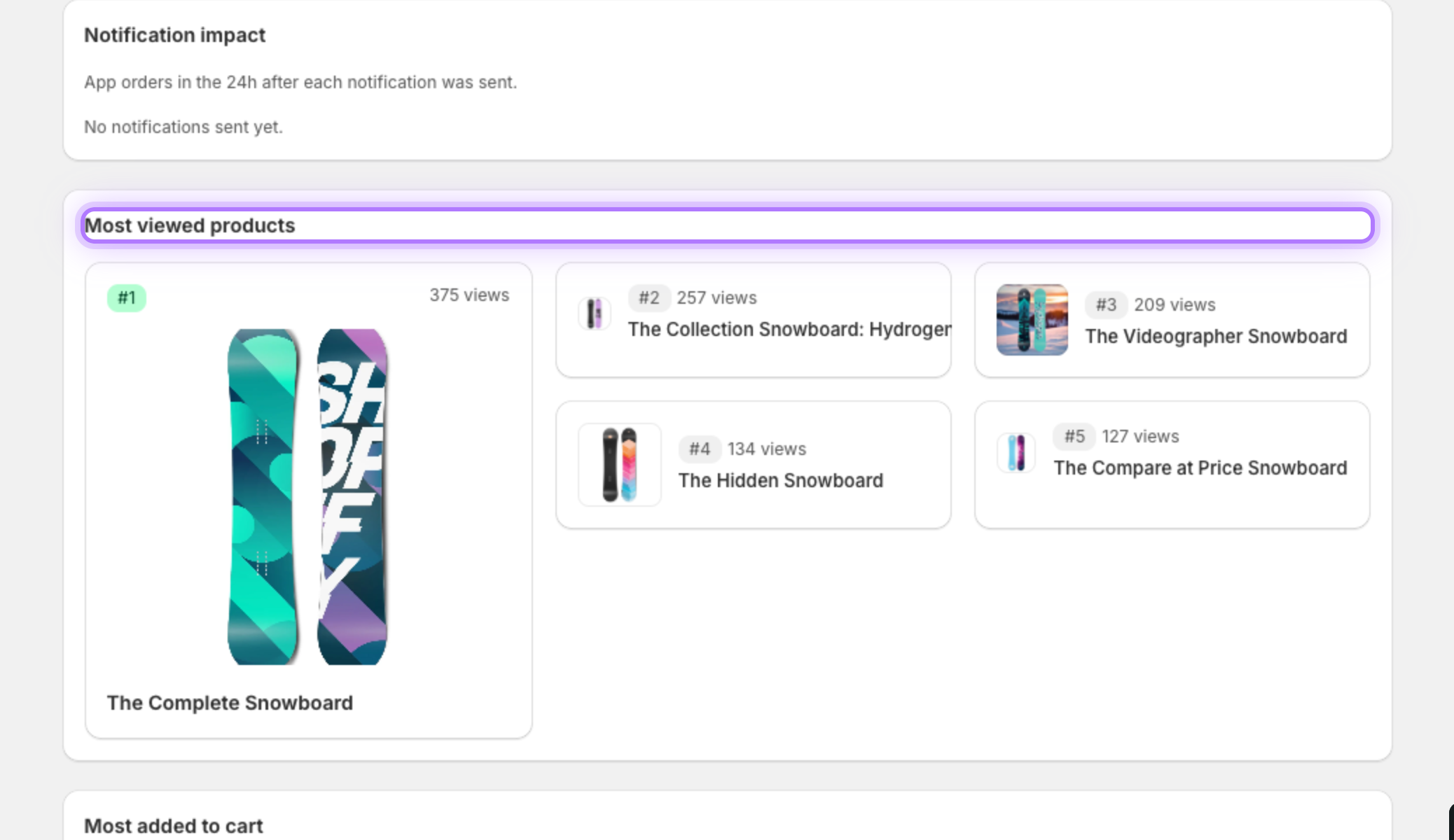
    Most viewed products shows what is catching your customers attention inside the app, so you know what to promote next.
    Most viewed products
App My Store

Want to hear more details?

Fill out the form and we will get back to you as soon as possible.

    By submitting this form you agree that we process the details you provide in order to respond to your enquiry. See our Privacy Policy.