User Guide › Abandoned carts

Topic 6 of 6

Abandoned carts

Win back lost sales. When a shopper adds items in your app but leaves before checking out, that cart appears here, ready to recover with a push reminder or a one-time coupon.
  1. 1

    Understand how recovery works

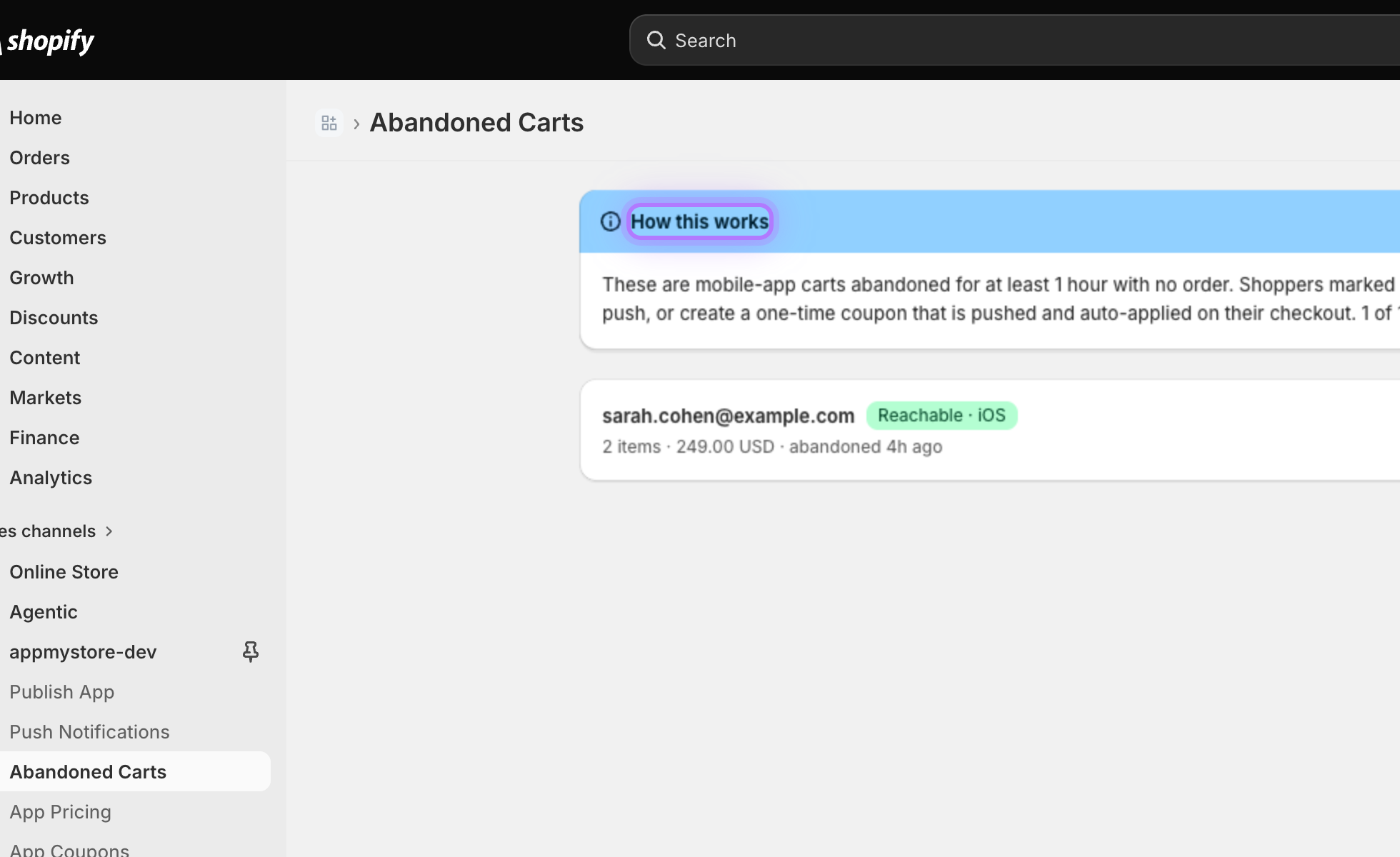
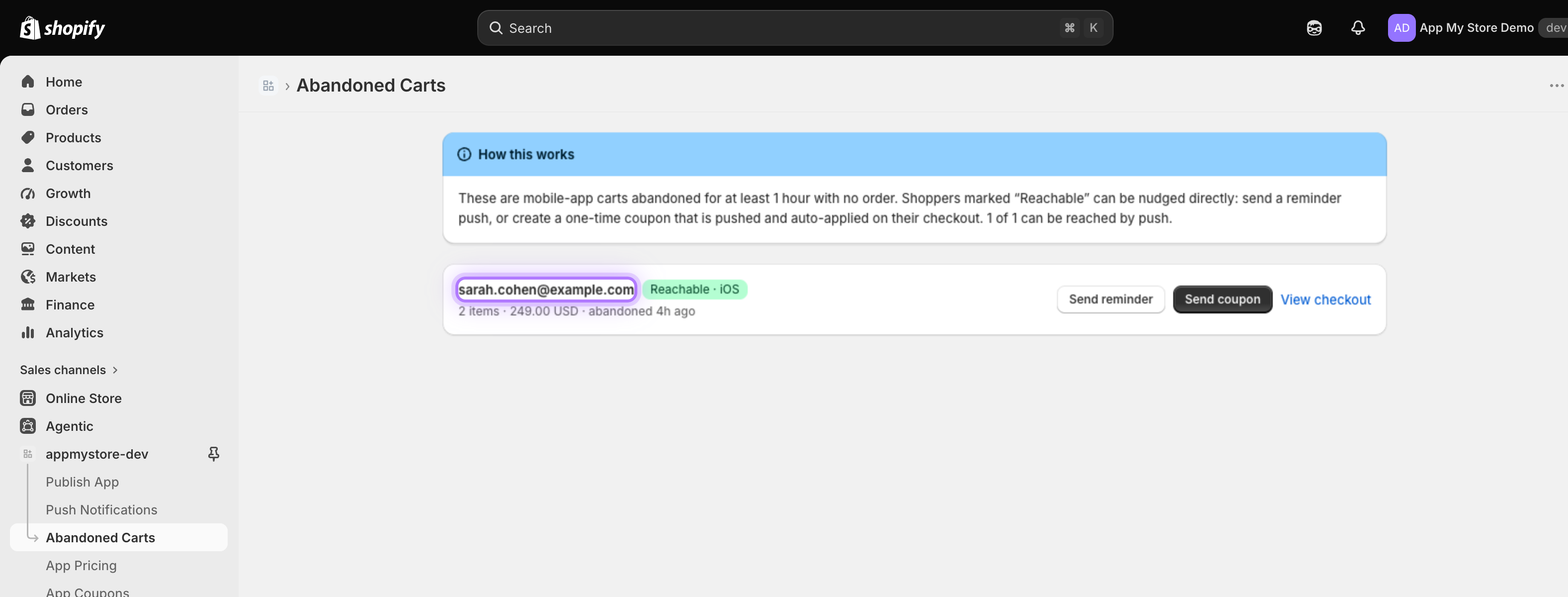
    Open Abandoned Carts from the channel. The explainer at the top shows how recovery works: these are mobile-app carts abandoned for at least an hour with no order.
    How recovery works banner
  2. 2

    Review an abandoned cart

    Each row shows who the shopper is, what they left behind, the cart value, and how long ago it was abandoned.
    Abandoned cart row
  3. 3

    Check who is reachable

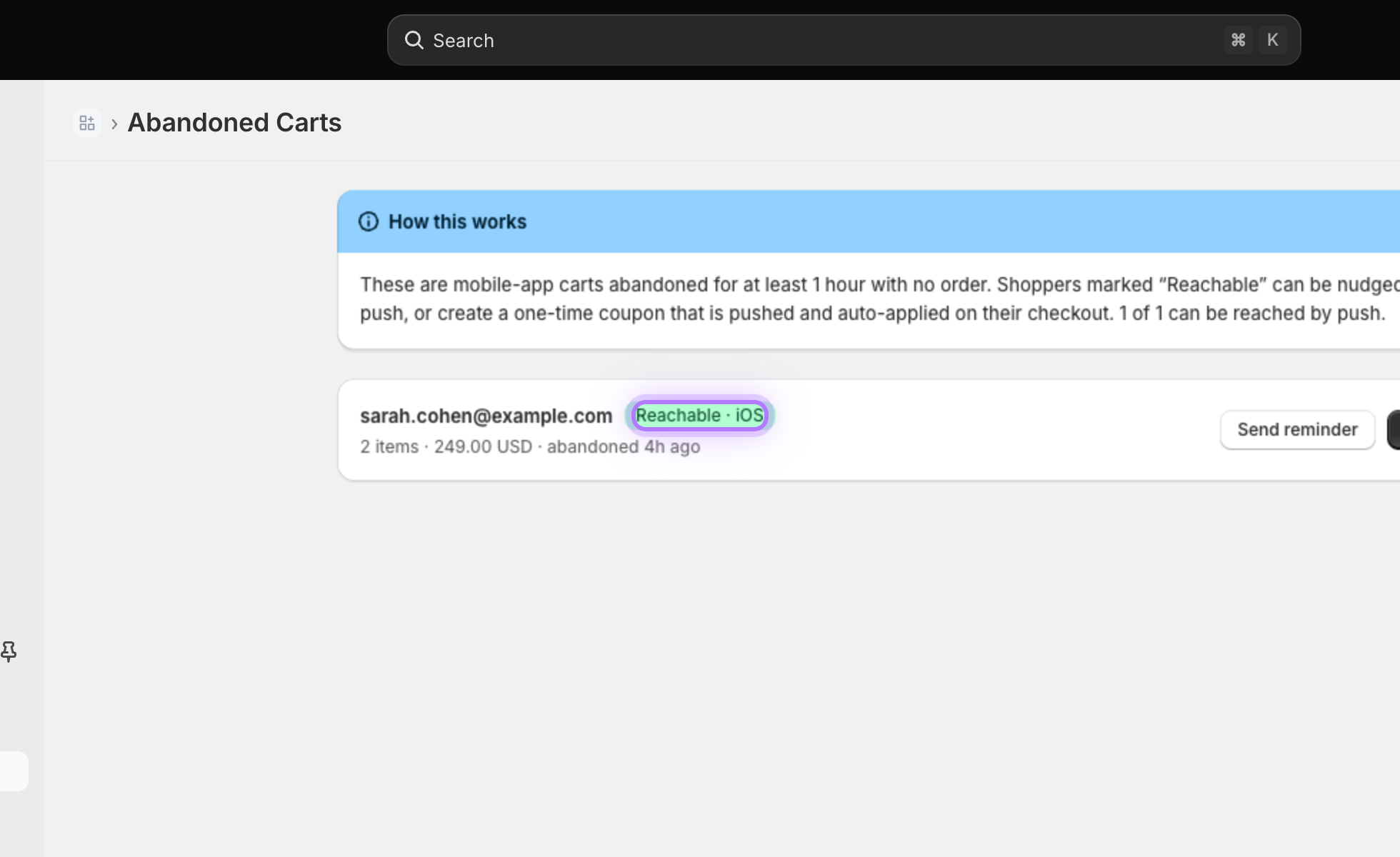
    A green Reachable badge means the shopper has your app installed and can be reached directly with a push notification. Only reachable shoppers can be messaged.
    Reachable badge
  4. 4

    Send a reminder

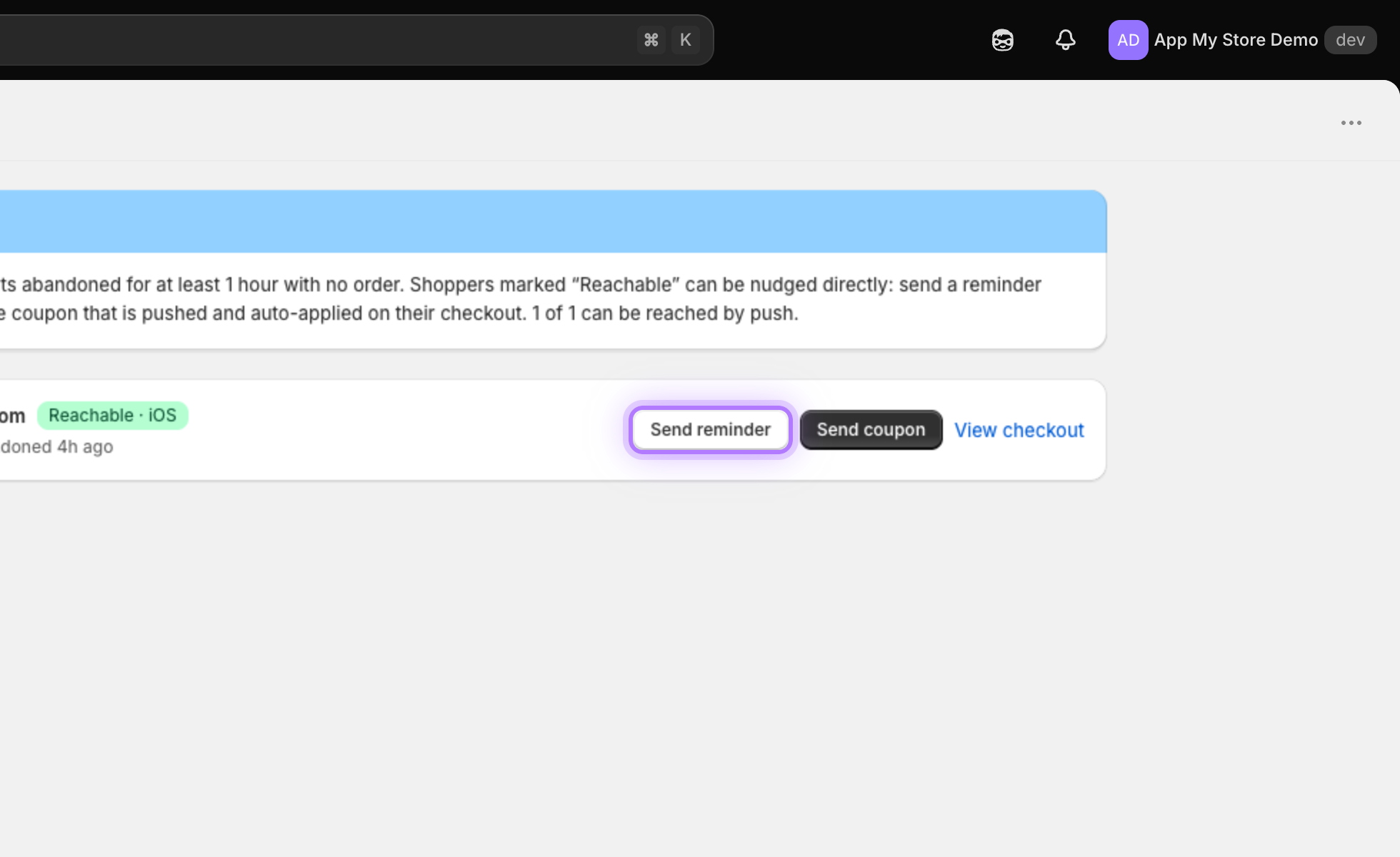
    Send reminder delivers a friendly push straight to the shopper phone, nudging them to come back and finish the purchase in one tap.
    Send reminder button
  5. 5

    Or send a coupon

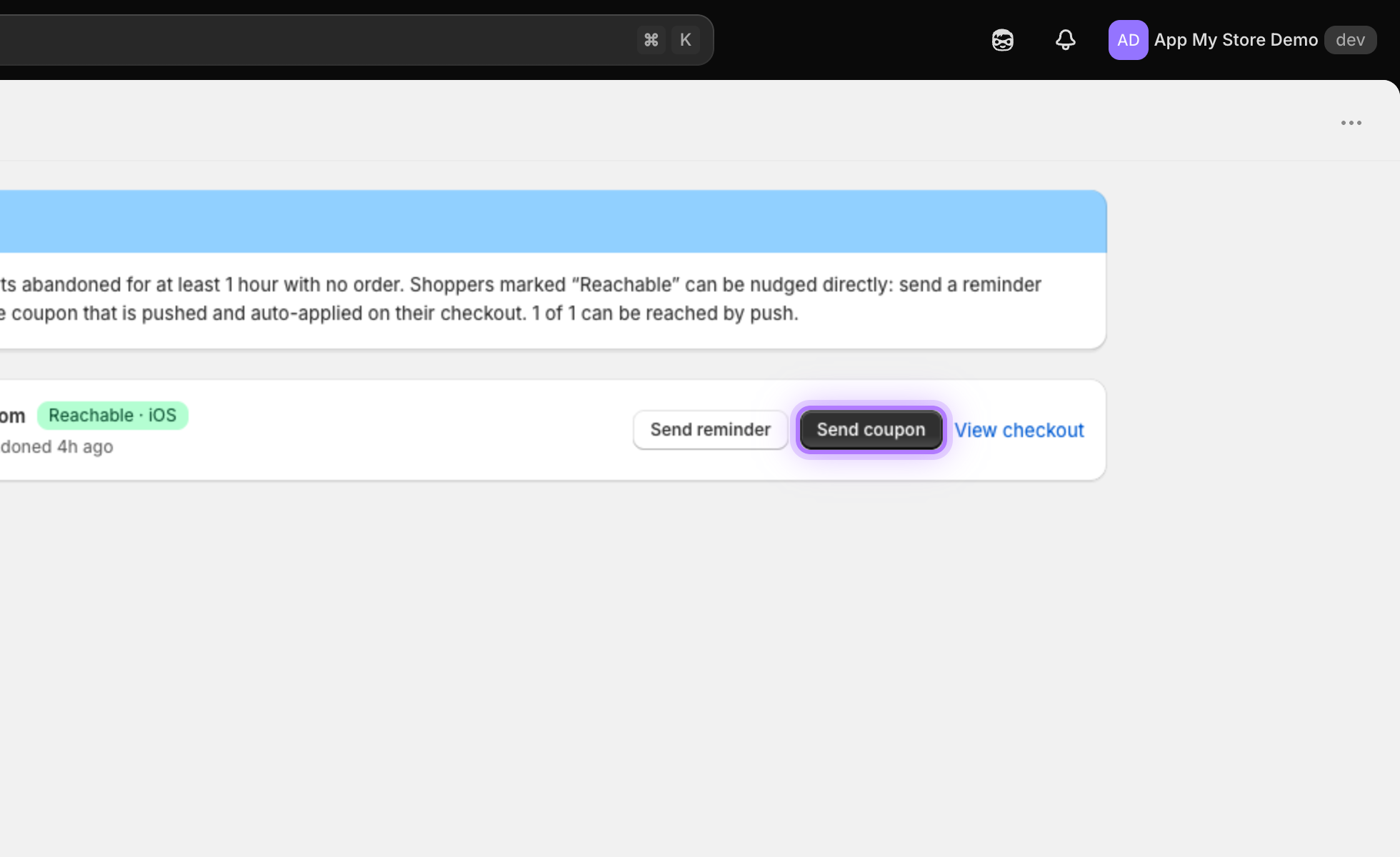
    Send coupon creates a unique, single-use code, pushes it to that exact shopper, and auto-applies it at checkout to sweeten the deal.
    Send coupon button
Note: Recovery reminders also reach the free AppMyStore Demo beta app, so you can test the whole recovery flow on your own phone.
App My Store

Want to hear more details?

Fill out the form and we will get back to you as soon as possible.

    By submitting this form you agree that we process the details you provide in order to respond to your enquiry. See our Privacy Policy.